TIBBL

The DVR for your HDHomeRun.
Record antenna TV to your own computer. Watch it live or later on your TV, phone or browser.
14 days free, then $5 a month or $50 a year. Everything included.




On your TV, phone and browser
Same guide, same recordings, everywhere.
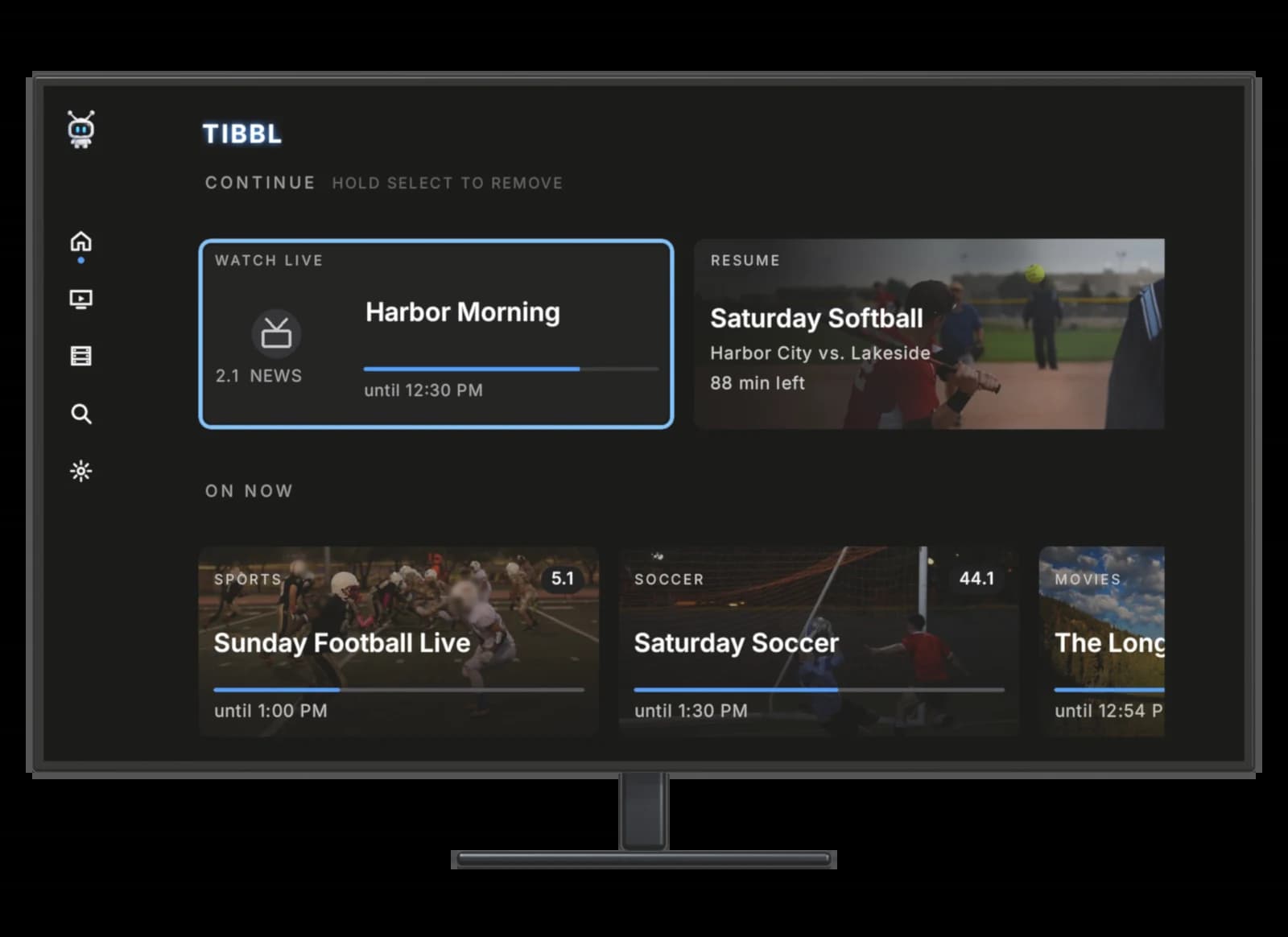
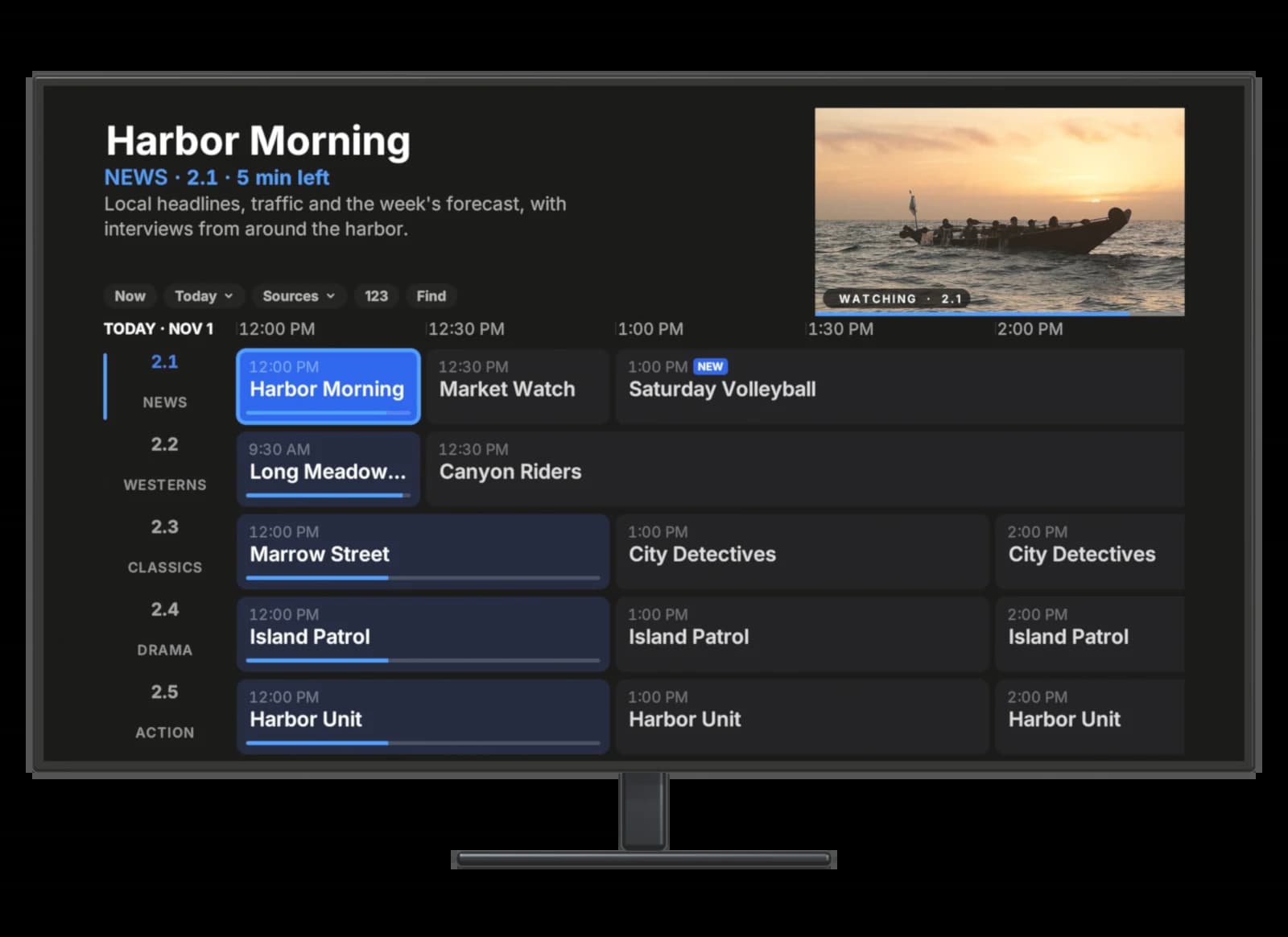
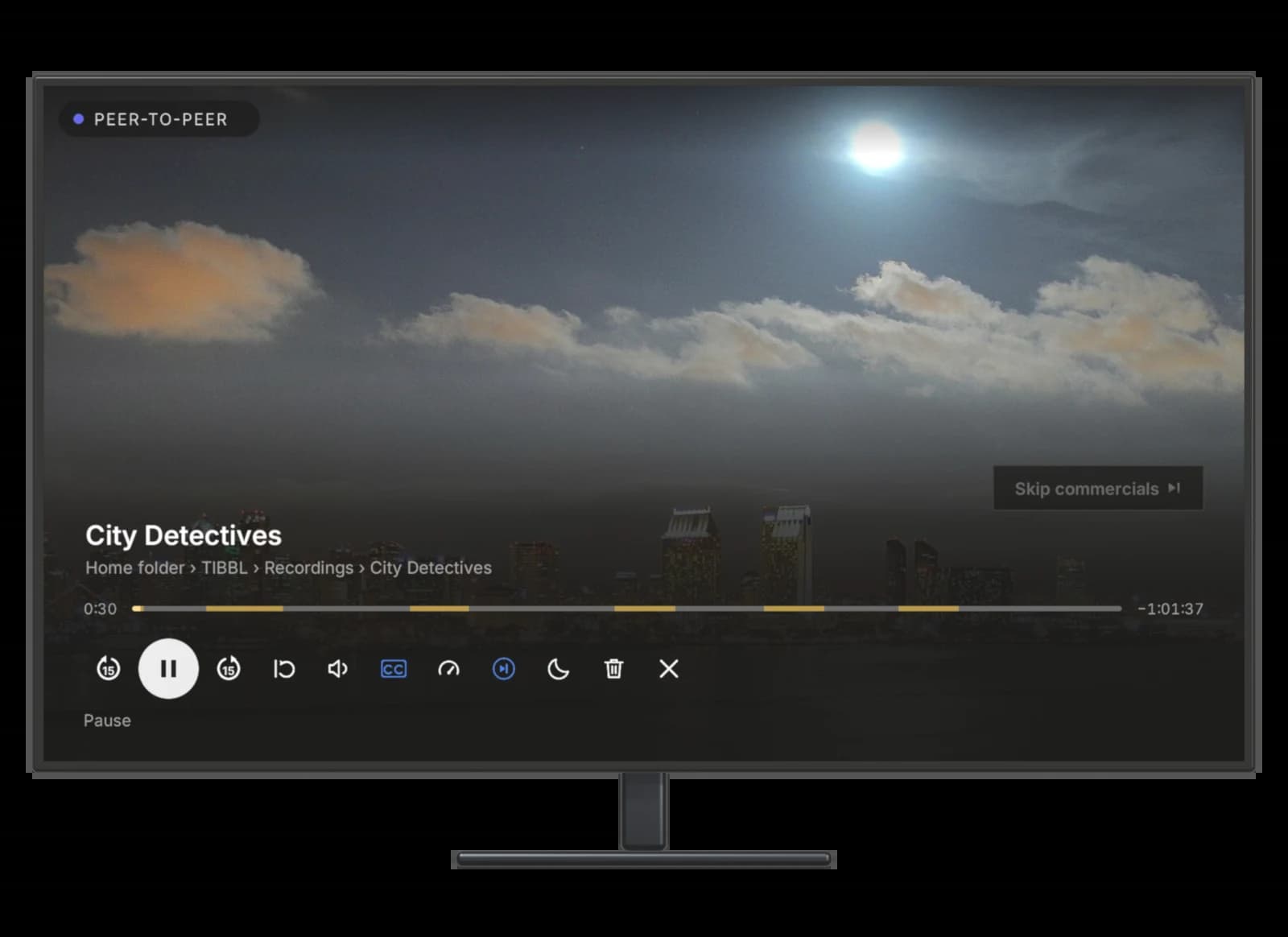
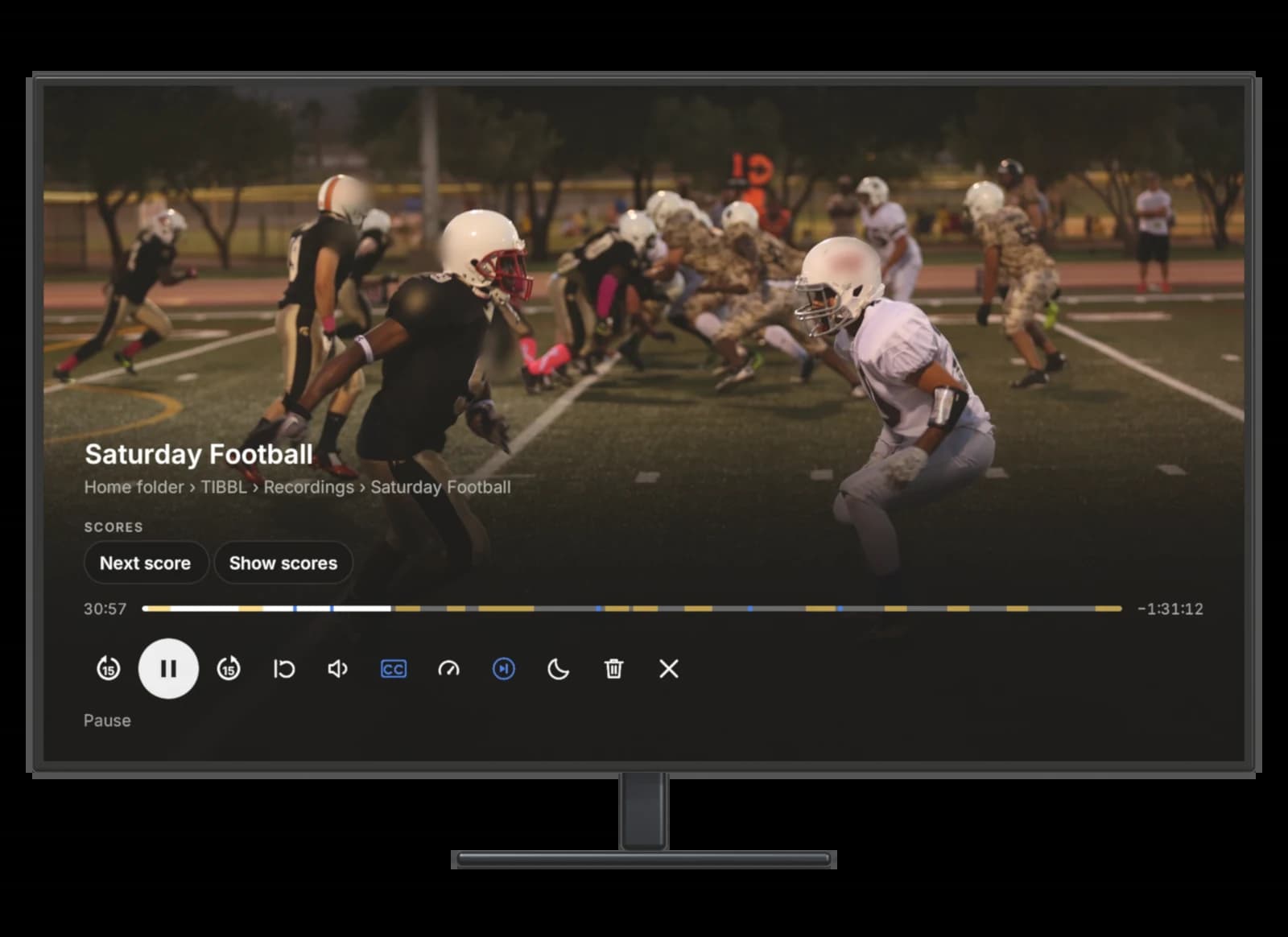
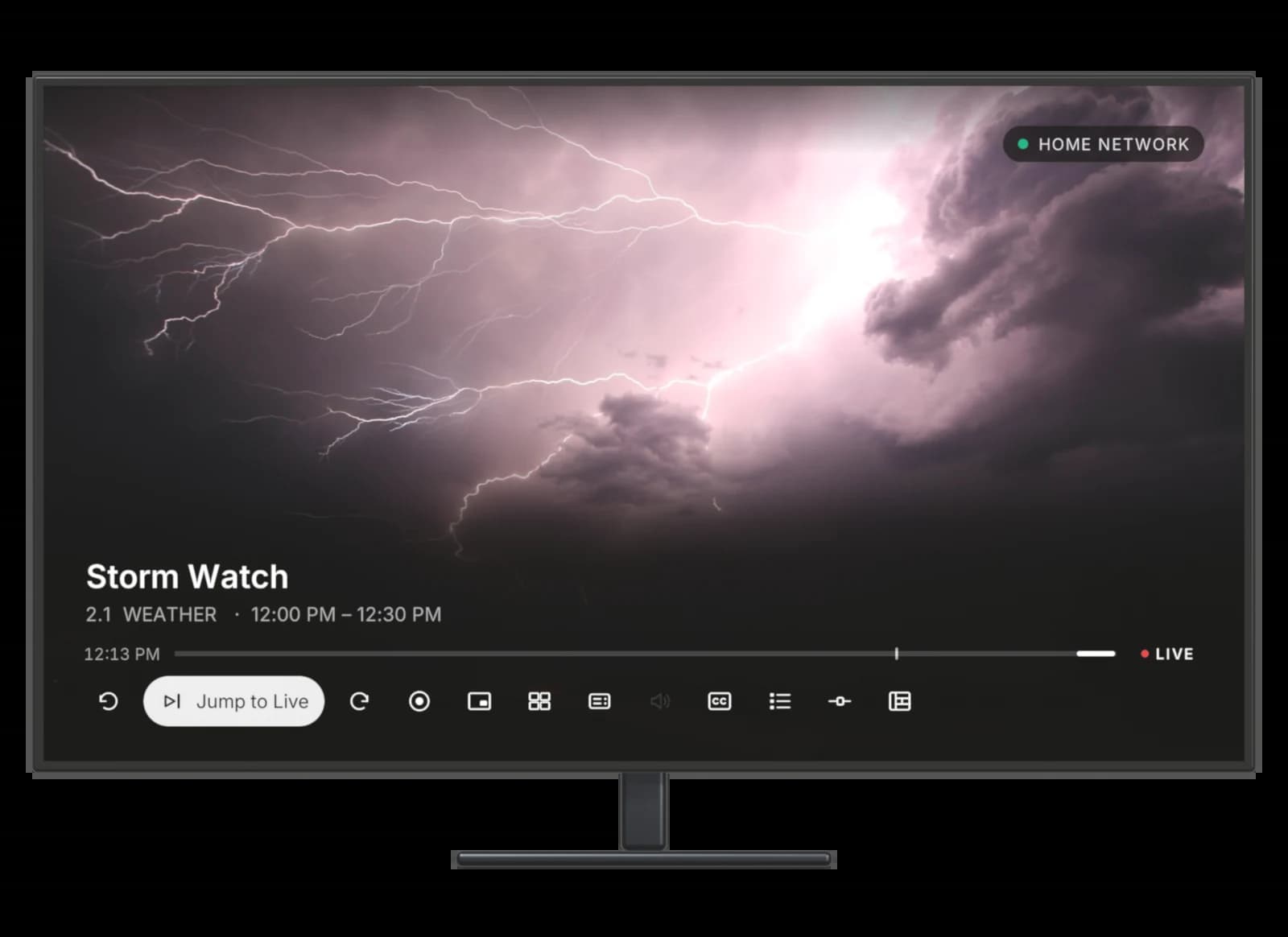
The same DVR on every screen
Set a recording on the TV and it’s waiting in the browser.
- One guide
- Antenna and M3U channels in one grid, up to 14 days ahead.
- Record to your disk
- One show or a whole series. No storage bill.
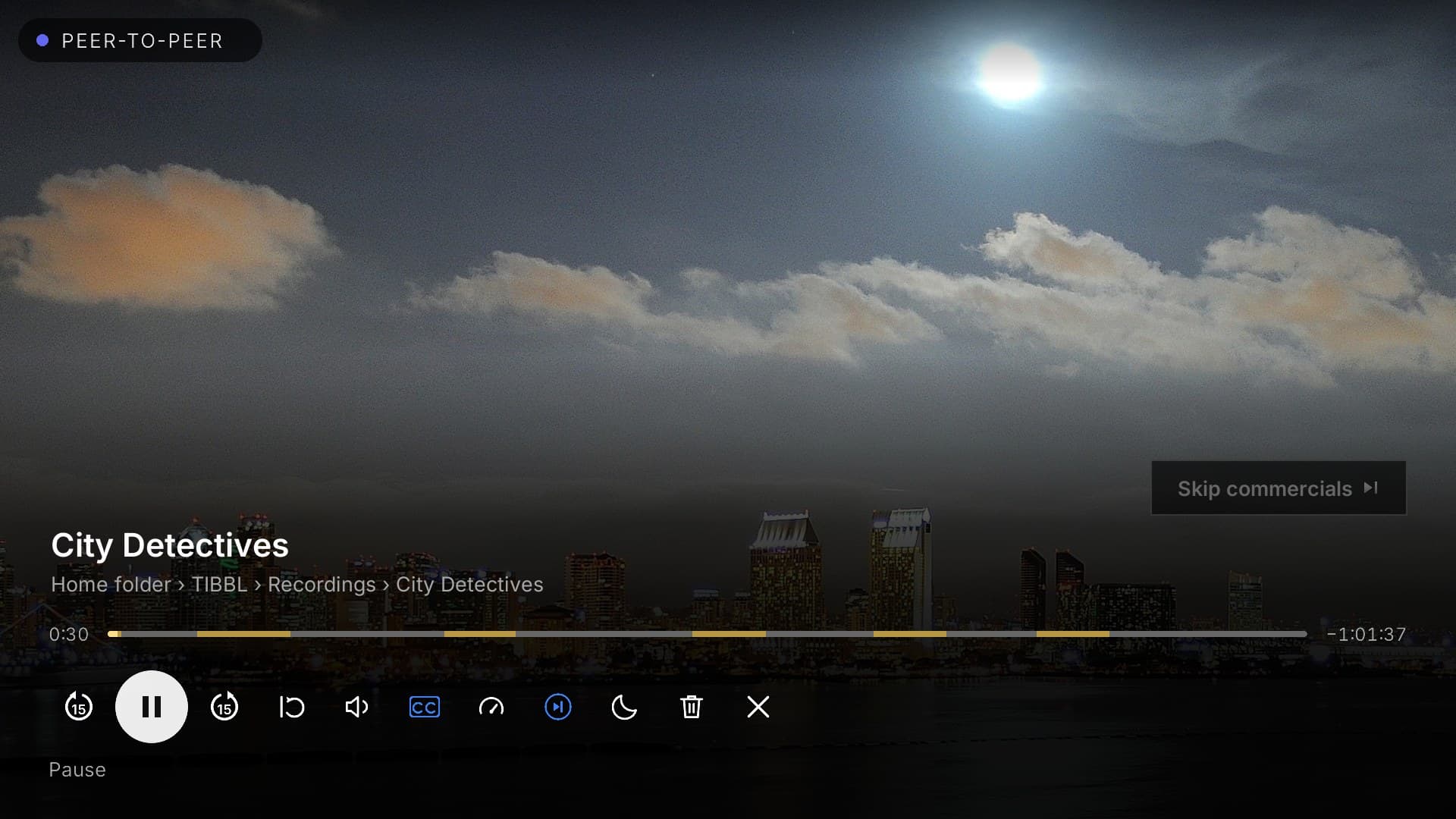
- Skip commercials
- Ad breaks found for you in every recording.
- Pause live TV
- Pause, rewind, then jump back to live.
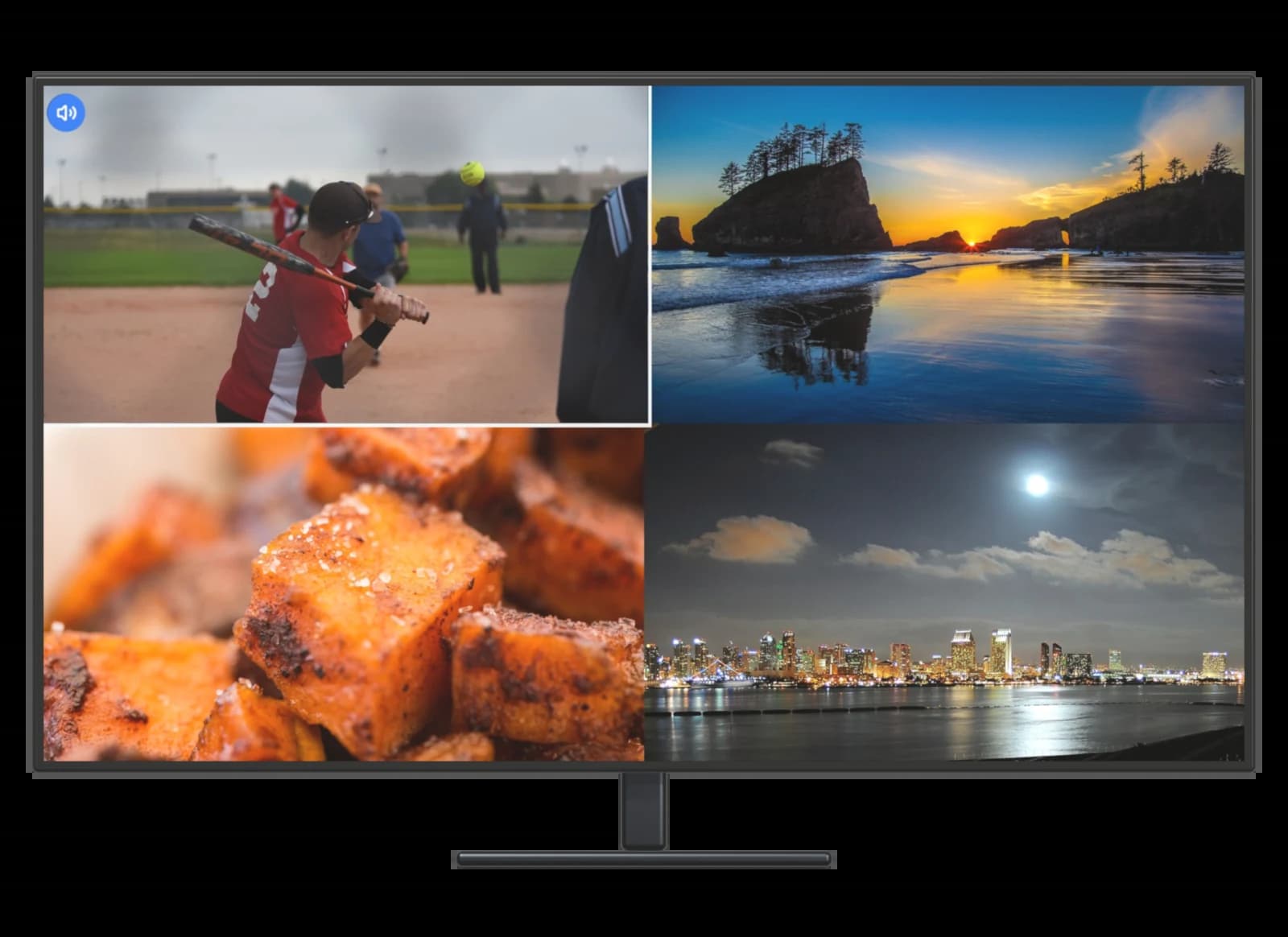
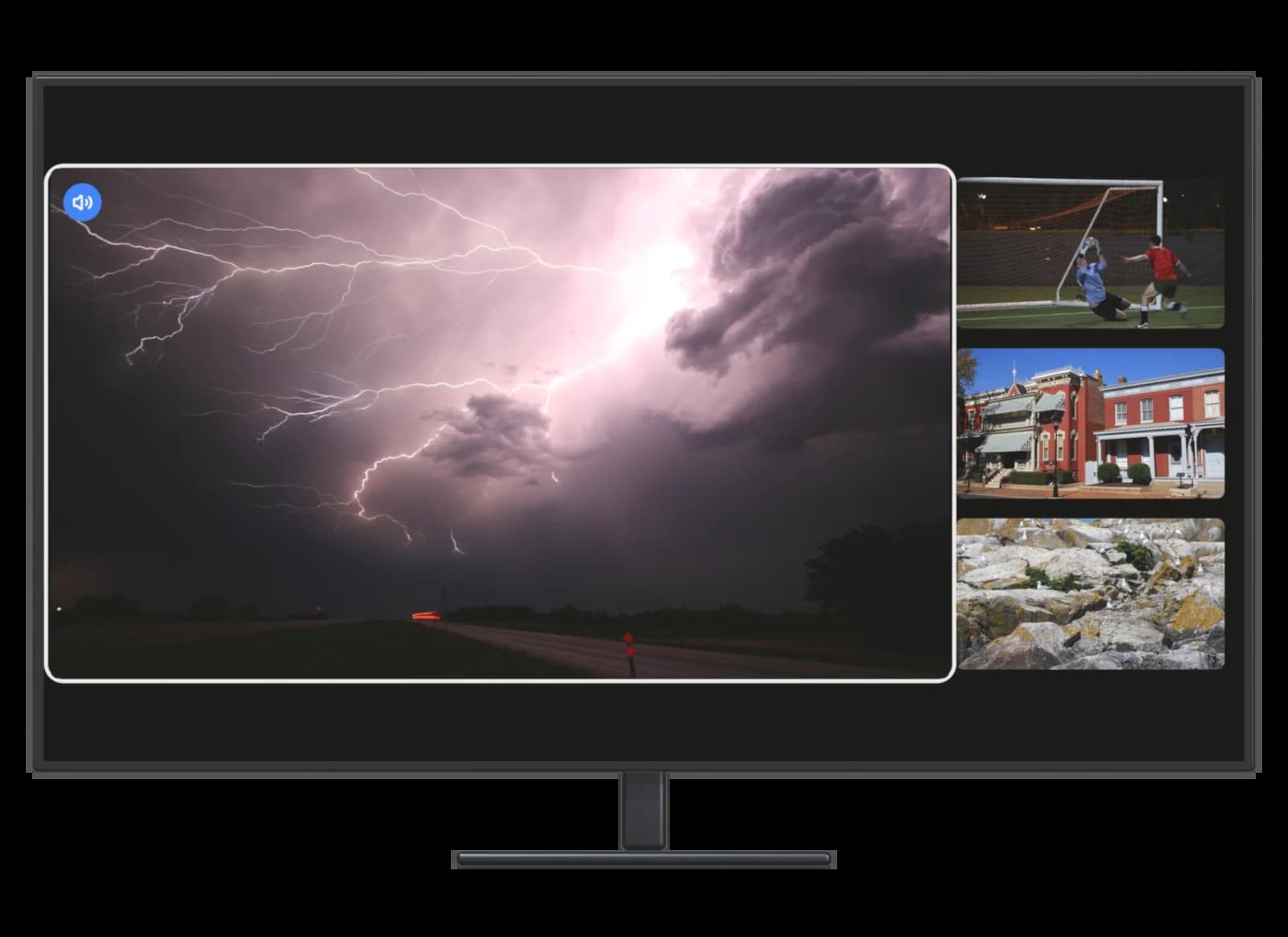
- Multiview
- Up to four channels at once.One tuner per antenna channel.
- Your library
- Recordings and your own videos, sorted into shows.
- Score markers
- Jump to every score in a recorded game, spoiler-free.
- Profiles
- One for everyone in the house, with an optional PIN.
- Watch anywhere
- Live TV and recordings away from home.Quality depends on your home upload speed.
- Offline on iPhone
- Download recordings, or AirPlay them to a TV.
- Share
- With up to five other households.
- Fast tuning
- A channel is on in seconds at home. The TV apps decode the signal themselves (coming in an update).As little as 2 seconds* from Select to picture. *With a strong antenna signal, measured on Fire TV at home.
What’s new this season
Finish on timeBeta
Start a little behind, skip every break, and catch up to live by the end. In every TIBBL app.
Go back to the 90s
A retro guide like the old cable guide channel, and a retro look for the whole app if you want it. One setting, on or off any time. In every TIBBL app.
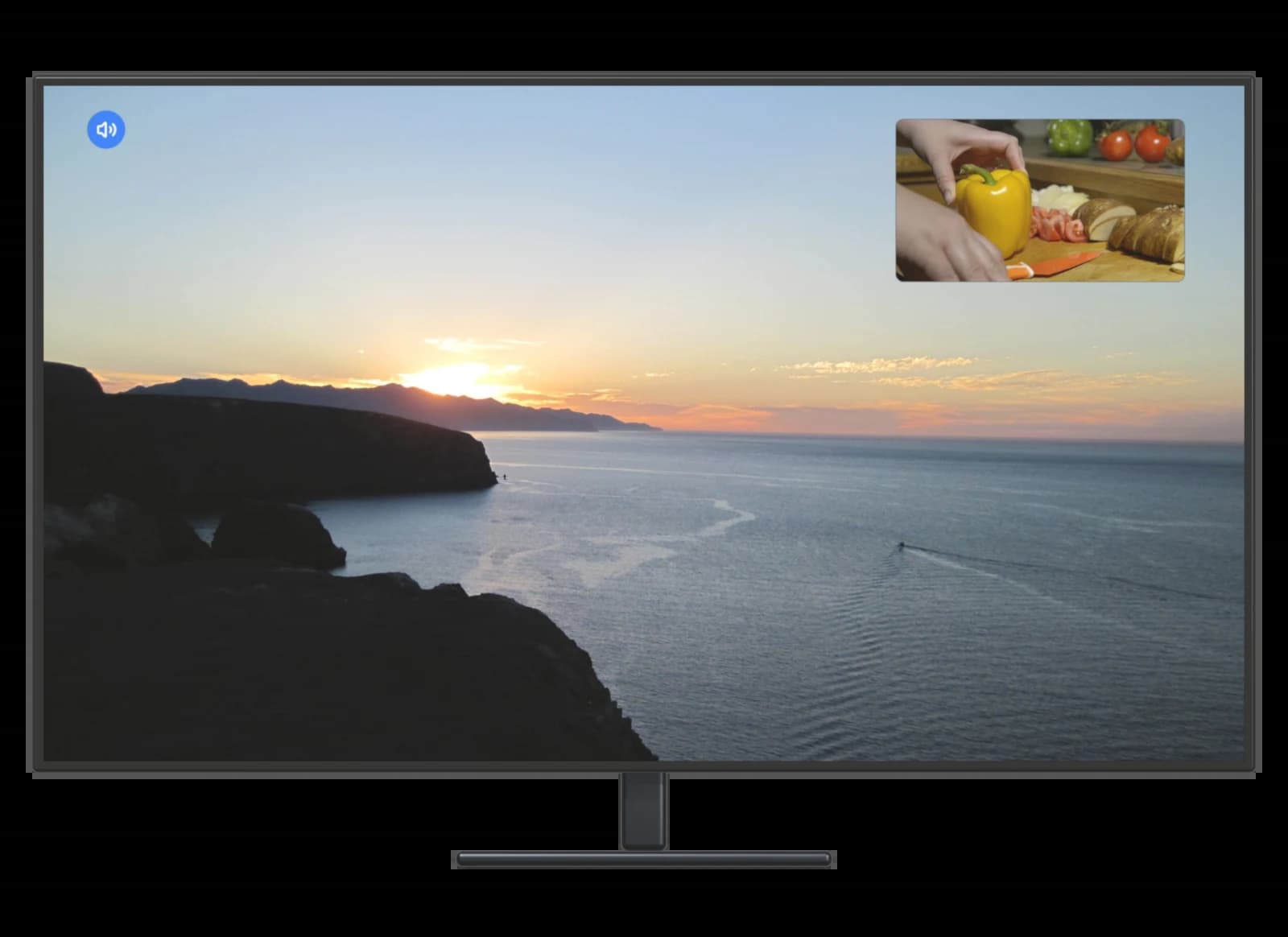
Multiview
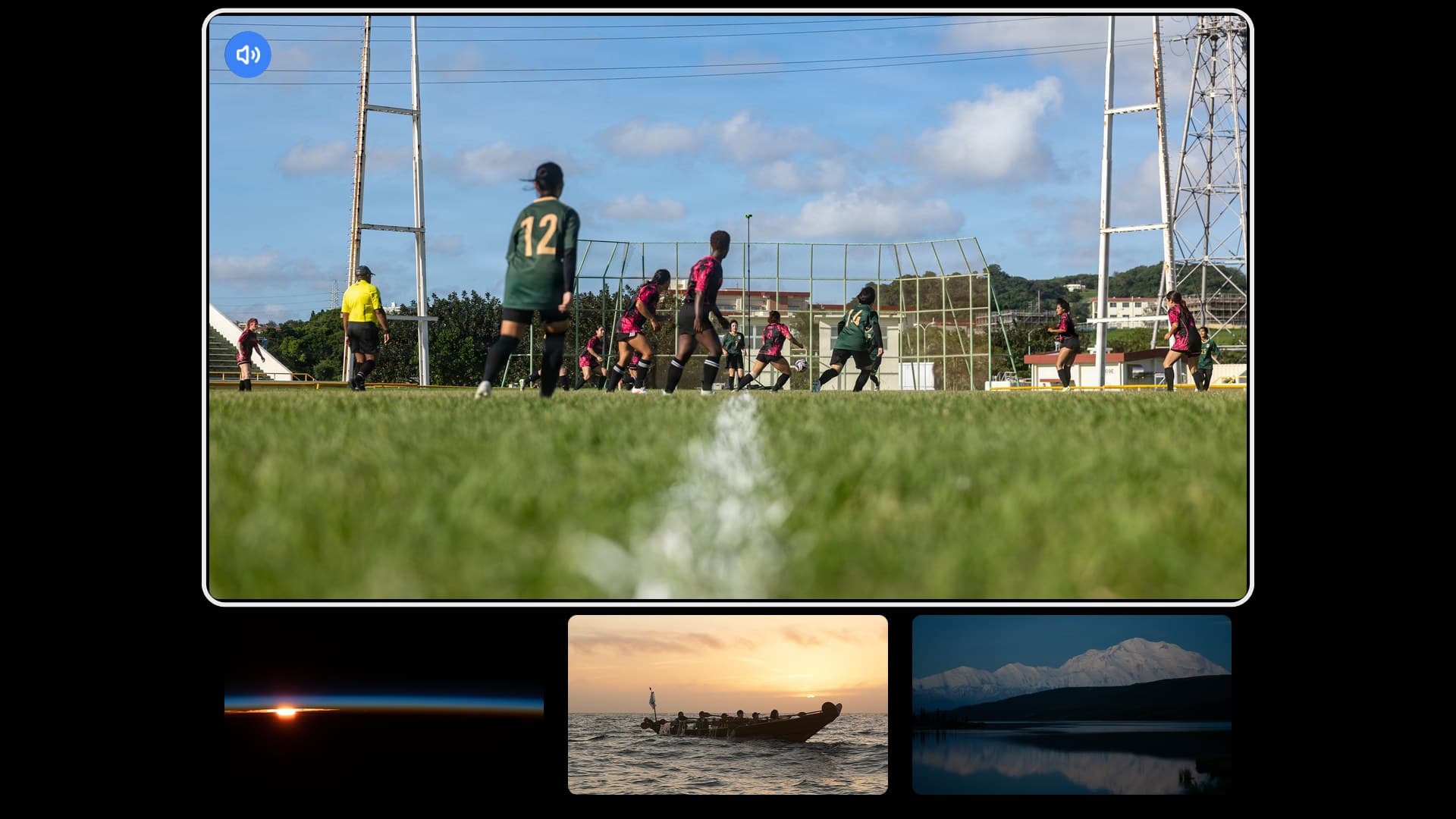
Up to four live channels on one screen, in five layouts. Pick which one you hear, and save the layouts you like.
Each antenna channel on screen uses one tuner.



See your signal
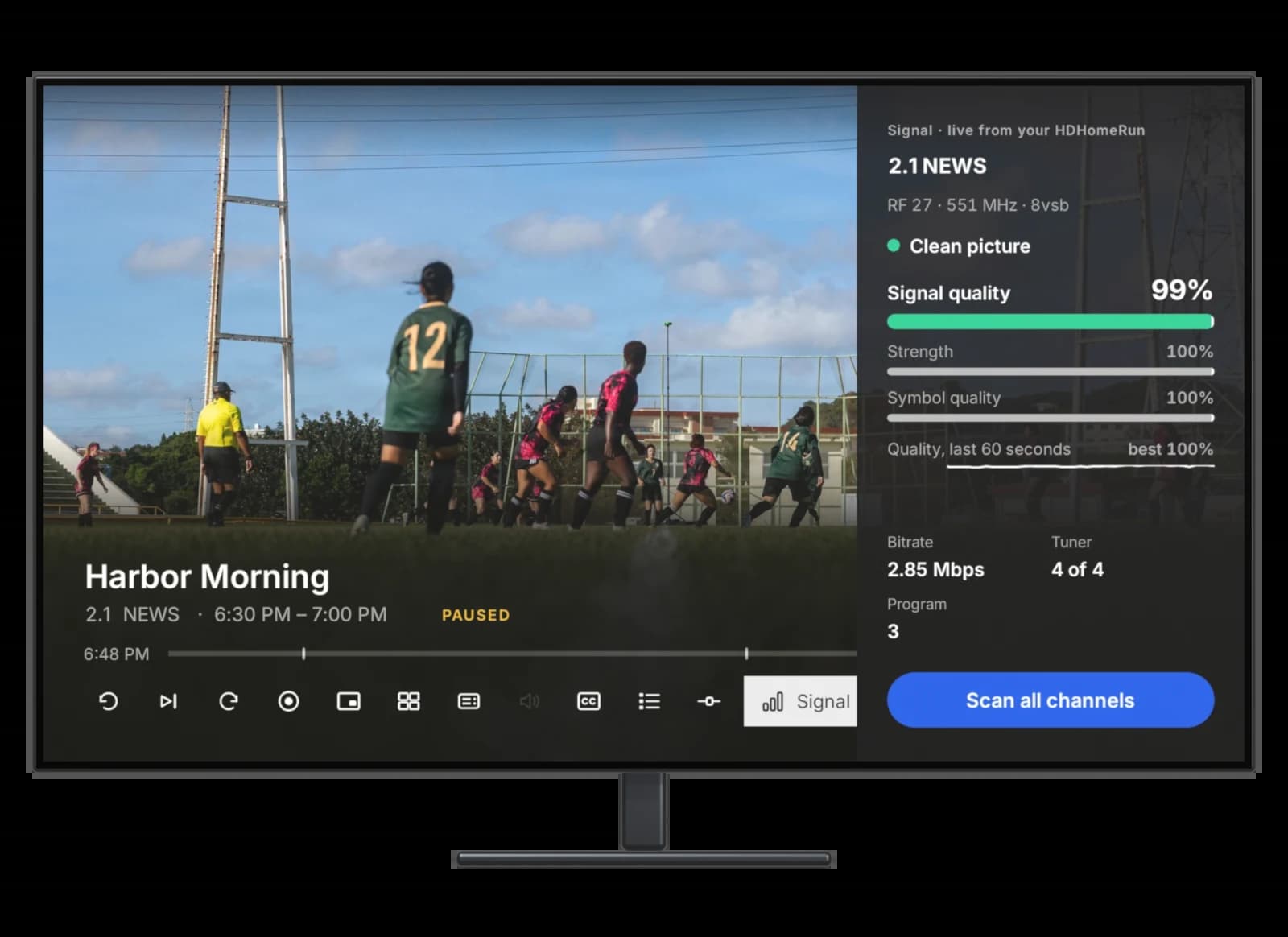
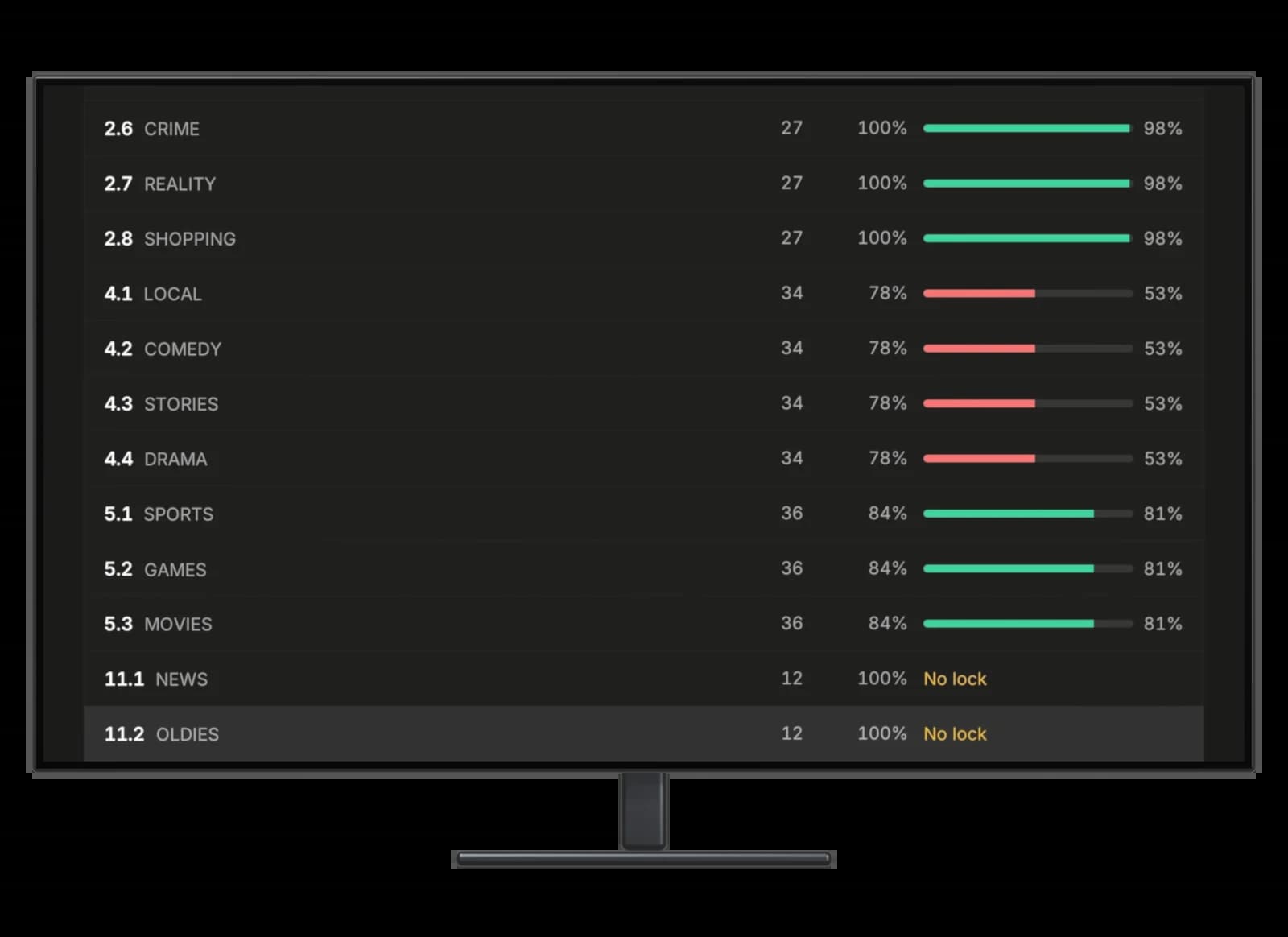
Check any channel’s signal while you watch, or scan them all to find the weak ones and aim your antenna.
Watch from anywhere
Nothing to set up on the router. The app tries each way home in turn and takes the first that connects.
Quality depends on your home upload speed.
- 1
Direct
The recorder opens a port on your router by itself, through the router's own port mapping. No forwarding to set up.
- 2
Peer-to-peer
When the router will not map a port, the app and the recorder punch a hole to each other, the way a video call does.
- 3
TIBBL relay
When neither connects, the video goes through TIBBL's relay. Always on, nothing to set.
Behind all three, the TIBBL tunnel is the last resort. Peer-to-peer is in the web app and the iPhone and Fire TV apps; Roku uses Direct and the relay.
Score markers on recorded games
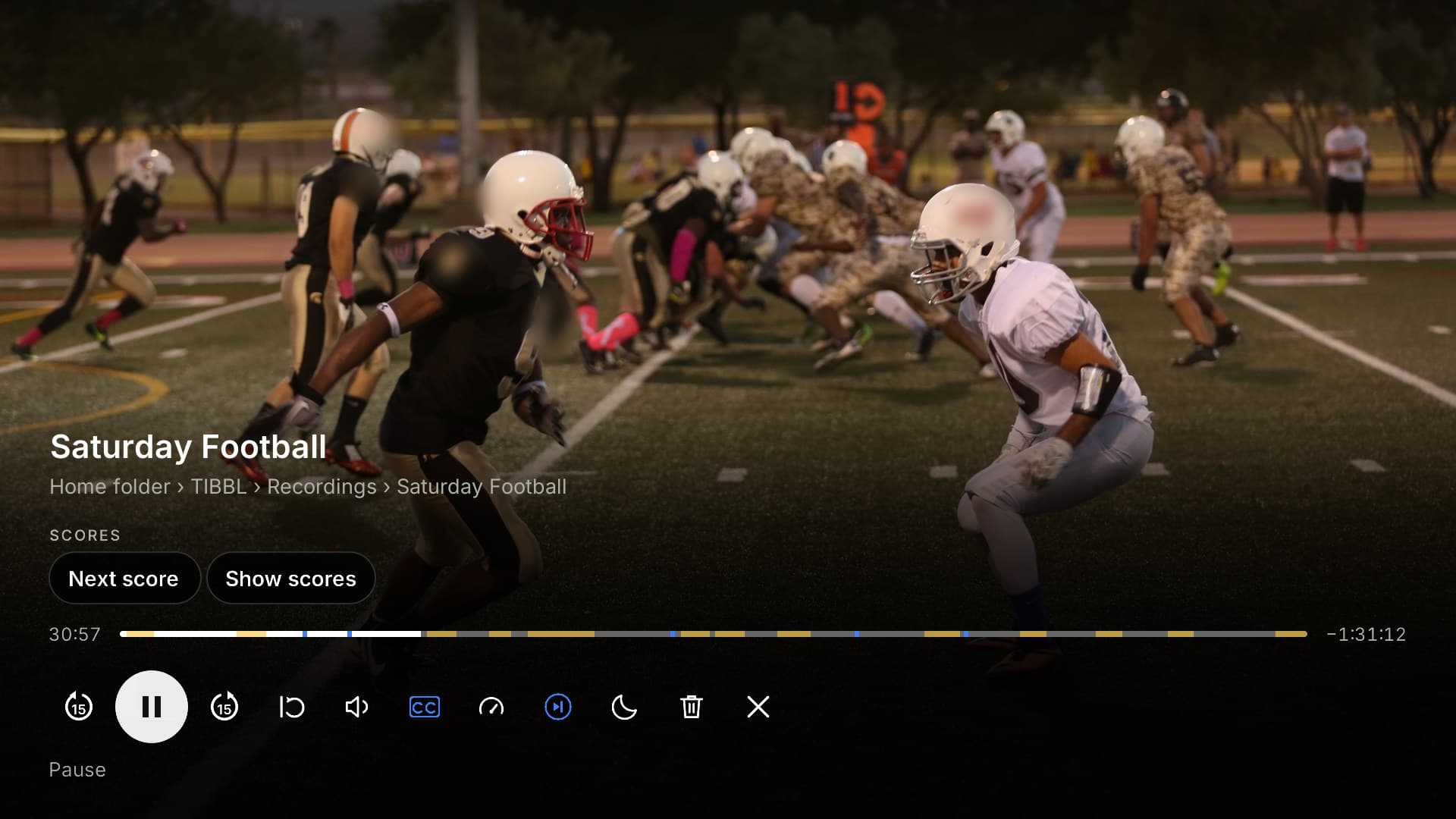
Recorded games get a mark at every score, with no numbers to spoil it. Next score jumps straight there.
Marks land near the play, within seconds.
Fast tuning
Press a channel and it is on. In-app decoding on the TV apps skips the recorder’s conversion step on your home network.
Measured on Fire TV at home with in-app decoding (coming in an update): as little as 2 seconds* from Select to picture. *With a strong antenna signal.
Skip the commercials
Every recording comes back with its ad breaks marked. Skip each one, or let them skip themselves.
About 98% of ad time found in our tests.
Built for the HDHomeRun
Antenna into the tuner, tuner into your router. That's it.
We test on
HDHomeRun FLEX 4K
Should also work
- HDHomeRun FLEX DUO
- HDHomeRun CONNECT QUATRO
- HDHomeRun CONNECT DUO
Bring your own M3U sources too. TIBBL doesn’t sell channels.
Where you can watch
- Web browser
- Roku
- Fire TV
- Android TV and Google TV
- iPhone and iPad
- Apple TV
- Xbox
The others are built and on their way through the stores.
One small program on a computer you already own
- Free, on a computer you own
- Mac, Windows or Linux. It sits quietly in the menu bar.
- Your recordings stay home
- Saved to your own disk. We never hold a copy, and there is no storage fee.
- Set it and forget it
- It finds your tuner by itself. Leave that computer on and it records on time.
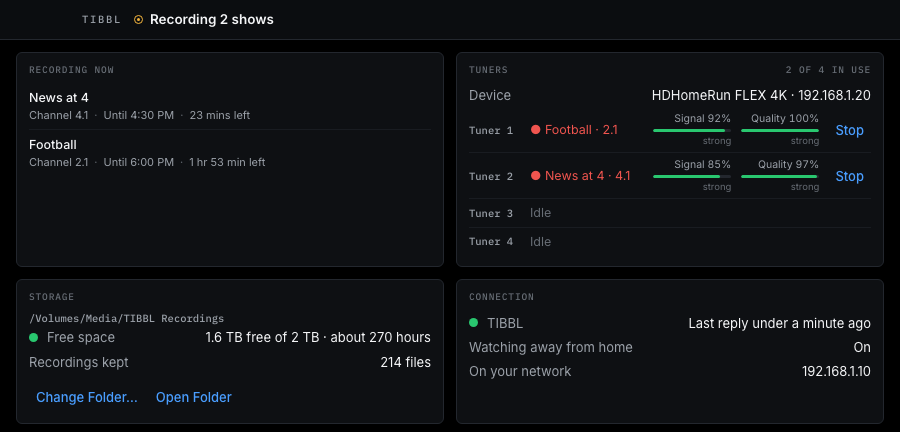
The recorder, its tuners and its disk, at a glance.
Recorder requirements ▸▾
- System
- macOS 12+ on Apple Silicon, Windows 10 or 11 (64-bit), or Linux x64
- Processor
- Apple Silicon, or a recent 4-core Intel or AMD. One encode per live stream
- Memory
- 8 GB. Tested on an M1 Mac mini with four tuners
- Storage
- Up to about 9 GB per hour of HD. An external drive works
- Network
- Wired Ethernet to the router. About 1.2 to 5 Mbps upload per stream away from home, up to 8 at Best
- Power
- Always on. A computer that sleeps misses recordings
Run it on one computer only, or recordings split between two.
Windows and Linux builds are unsigned and warn on first launch. The Mac build is signed and notarized.
Antenna to app
One cable to plug in, one program to install, one account to sign in with. The channel scan is the slow part.
Antenna
Over-the-air
Indoor or roof. Free local channels in HD.
→ Coax
HDHomeRun
Network tuner
Coax in, Ethernet to the router. Run its channel scan once.
→ Ethernet
TIBBL recorder
Mac, Windows or Linux
Install and sign in. It finds the tuner by itself.
→ Your network
Your screens
TV, phone, browser
Sign in with the same account. Channels are already there.
Get the TIBBL recorder
The recorder runs on a computer on your home network and turns your HDHomeRun tuner into a whole-home DVR. Get the latest release below.
Download for MacSigned and notarized by Apple. It opens normally.
You will also need an HDHomeRun
A network tuner with an antenna connected, on the same network as the recorder. We test on the FLEX 4K; see which models.
This is not the app you watch on
The recorder is the piece that talks to your tuner and records to your disk. You watch in a browser today, and on your TV and phone once the stores list those apps, which will be free to download; watching needs a TIBBL plan. See where TIBBL runs.
Pricing
One plan, with everything in it. Start with 14 days free.
FullEverything
Live TV, recording, the library, commercial skip, multiview and profiles, at home and away. Up to 14 days of guide with cast and ratings, and sharing with another household.
Everything included
- Live TV from your antenna
- Recording and a searchable library
- Commercial skip
- Multiview, up to four channels at once
- Watch from anywhere, with nothing to set up
- Up to 14 days of guide, with cast and ratings
- Profiles for everyone in the house
- Pause and rewind live TV
- One guide across antenna channels and your own M3U sources
- Share with another household
- No contract
Recording storage is your own disk, so there is no cap and no storage fee. You supply the antenna, the tuner and the computer the agent runs on. TIBBL does not sell channels or content.
What we know, and what you tell us
Known issues
What isn’t perfect yet (8) ▸▾
Guide data takes about 60 seconds to fill in on first setup.
Picture quality away from home is limited by your home upload speed.
The web app, Roku, Fire TV, Android TV and Google TV are out today. The iPhone, iPad, Apple TV and Xbox apps are with their stores for review.
Live ad-break detection is a beta: a channel needs about two minutes to learn its logo, and a channel without a usable logo shows no break information.
Some local station logos and program artwork are missing.
A handful of shopping channels have listings we know are wrong. We would rather leave those blank than invent times.
Windows and Linux recorder builds are unsigned, so those systems warn on first launch. The Mac build is signed and notarized.
Run the recorder on one computer only. A second one will split your recordings across both.
Comparing? Channels DVR, Plex, Jellyfin and Emby.