An HDHomeRun app for Roku with a real DVR behind it
Roku is the most common streaming box in American living rooms, so it is usually the first place people try to watch their HDHomeRun. SiliconDust does make an HDHomeRun app for Roku, and for live TV in the house it does the job. Where people get stuck is everything after that: recordings, a proper guide, and watching from anywhere but home.
The TIBBL Roku app is built for those parts. It is now in the Roku Channel Store; here is what it does.
What the HDHomeRun Roku app does today
SiliconDust's own support page for the Roku app is honest about its limits. The app does not work outside your home network. ATSC 3.0 channels play only on some Roku Ultra models and some Roku TVs, and encrypted ATSC 3.0 channels are not supported at all. Cord-cutting sites have noted that the app has carried a beta label since 2019. Recording needs SiliconDust's DVR service and a computer or storage box to run it on.
None of that makes it a bad app for flipping through local channels. It just means that if you want a DVR on your Roku, you are looking for something else.
The TIBBL Roku app
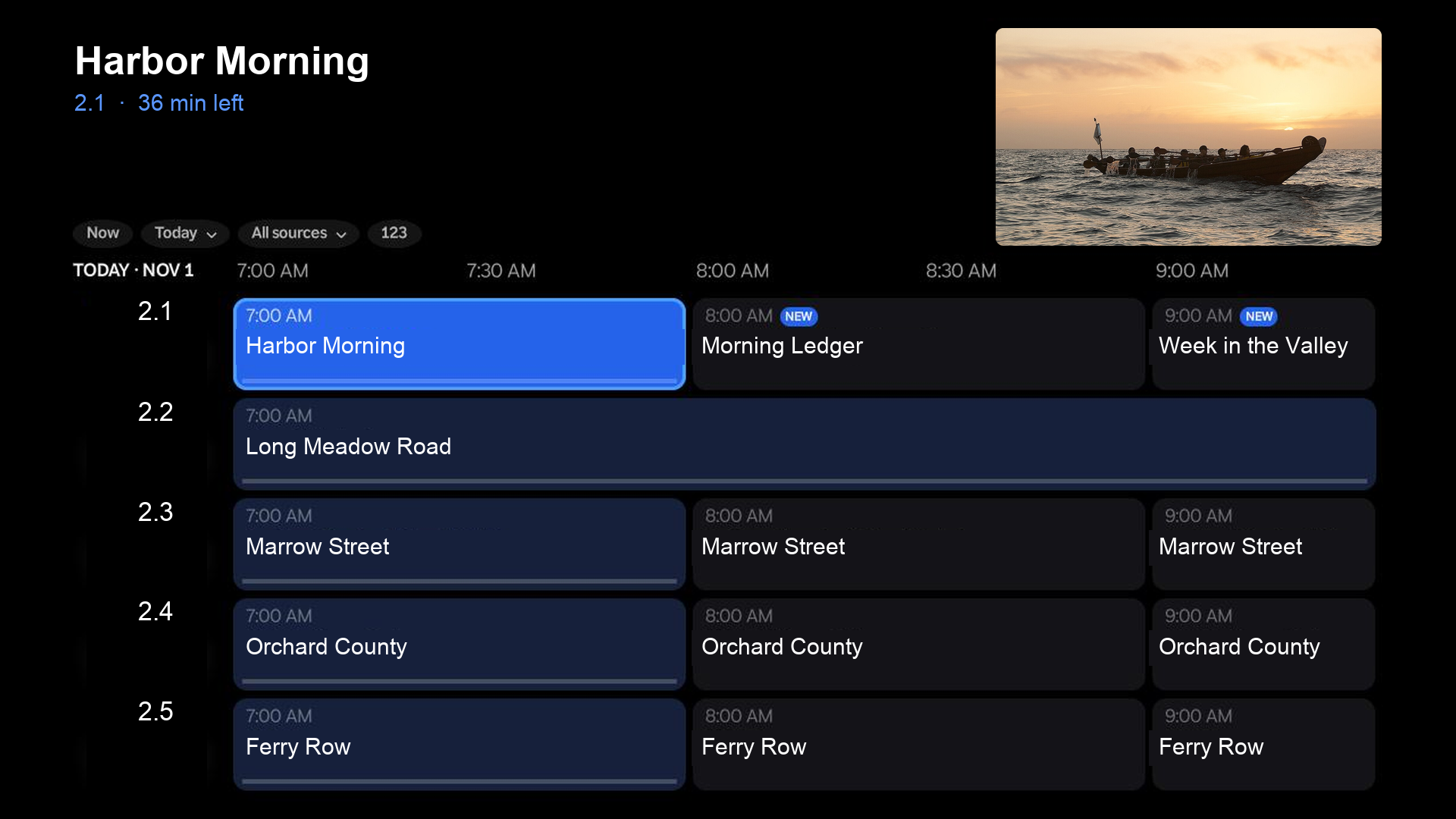
The TIBBL app for Roku talks to the TIBBL recorder running on a computer in your house, not to the HDHomeRun directly, so it gets everything the recorder knows. The guide is a timeline of your channels with the program in focus described across the top. From any program you can press Record, or Record series to get every new episode.
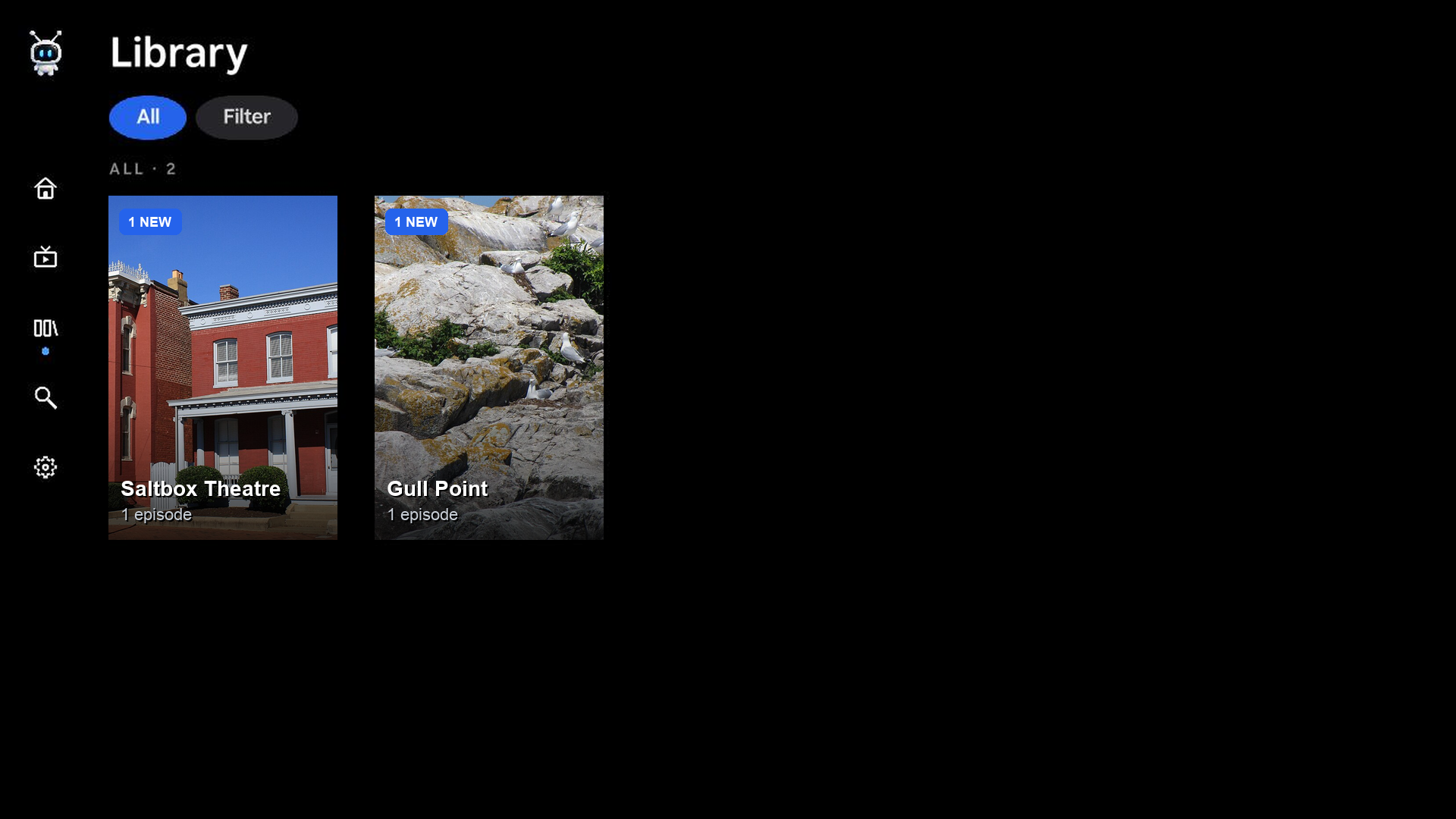
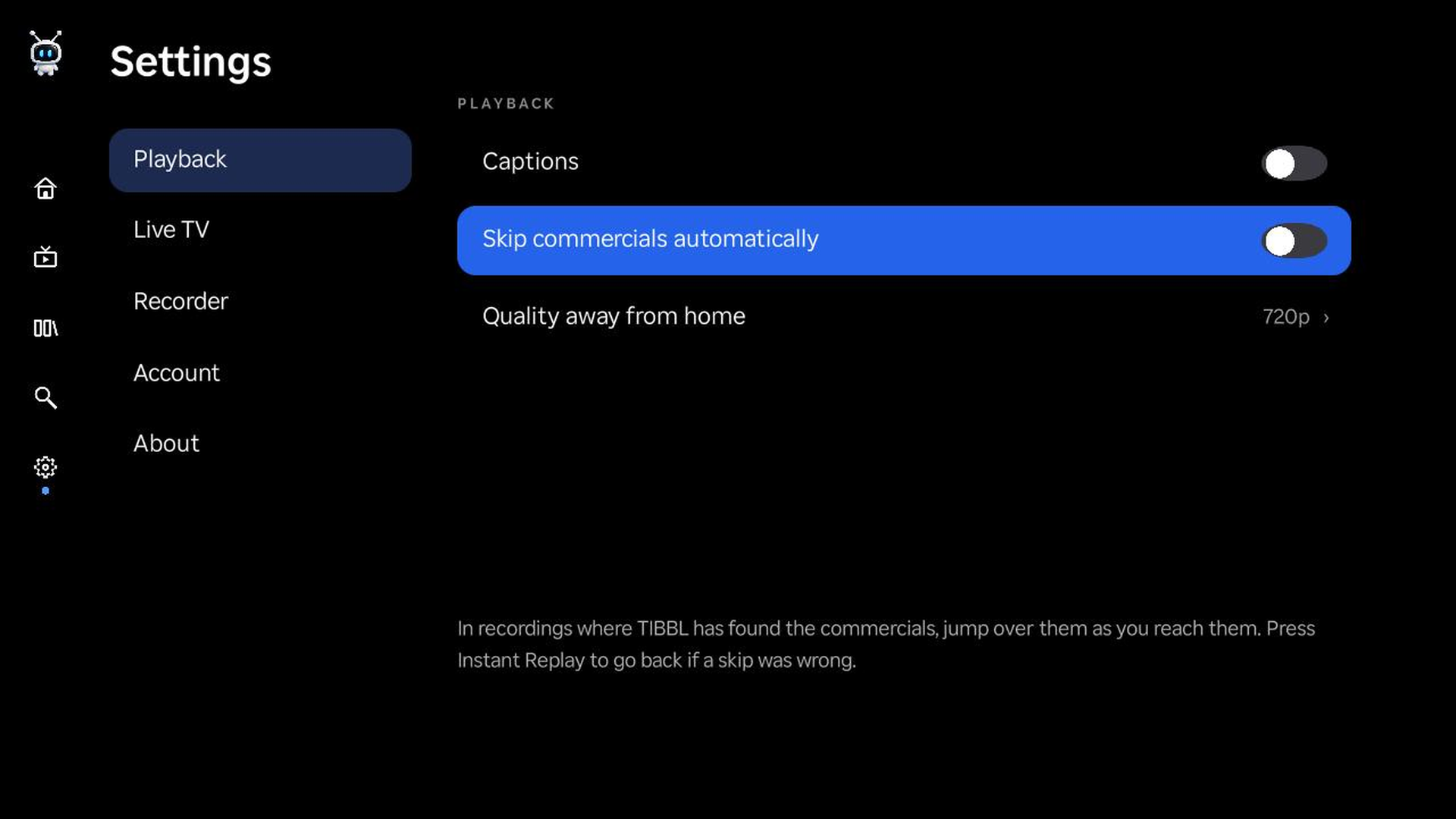
Recordings land in a library sorted into shows, and there is a search screen for finding a program by name. When a recording plays, the ad breaks the recorder found are marked on the timeline; press Skip commercial when one comes up, or turn on Skip commercials automatically in the settings. Live TV can be paused and picked up again without losing your place.
Multiview on a Roku
Roku players are built to play one video at a time, which is why multiview is rare on them. TIBBL works around it by putting the picture together on the recorder: your computer receives up to four channels from the HDHomeRun, arranges them, and sends the Roku a single picture. The Roku app has the same five arrangements as the other TIBBL apps, from a four-channel grid to picture in picture. Each antenna channel on screen still uses one HDHomeRun tuner.
Watching on Roku away from home
The TIBBL Roku app can reach your recorder from outside the house, directly when your router allows it and through TIBBL's relay when it does not, so a Roku at a holiday house or a second home plays your antenna channels and recordings. Nothing needs to be opened on your router. Picture quality away from home depends on your home internet's upload speed.
What to use until it is in the store
TIBBL works today in the web app, on any computer, phone or tablet. Many Roku households also have a laptop or phone that can cast or connect to the TV, and the web app plays live TV, recordings and multiview there now. When the Roku app is published, it signs in to the same account and sees the same recordings, with nothing to move.
What you need, and what it costs
An antenna, an HDHomeRun network tuner, and a computer that stays on to run the TIBBL recorder: a Mac with Apple Silicon, a Windows PC or a Linux PC. Recordings go to that computer, in a folder you choose.
One plan with everything: $5 a month or $50 a year, after 14 days free.
Today you watch in the TIBBL web app, in a browser on a computer, phone or tablet, on Roku from the Roku Channel Store, on Fire TV from the Amazon Appstore, or on Android TV and Google TV from Google Play. The iPhone and iPad, Apple TV and Xbox apps are with their stores for review.
Questions people ask
Is there an HDHomeRun app for Roku?
Yes. SiliconDust's HDHomeRun app for Roku plays live TV on your home network. It does not work away from home, and recording needs SiliconDust's DVR service.
Can I watch HDHomeRun recordings on a Roku?
With TIBBL, yes: the TIBBL Roku app, now in the Roku Channel Store, plays recordings from the TIBBL recorder, with ad breaks marked and a Skip commercial button.
Does the TIBBL Roku app work away from home?
Yes. It reaches your recorder directly when your router allows it, or through TIBBL's relay, with no router setup.
Can a Roku show more than one channel at once?
In the TIBBL Roku app, yes. The recorder combines up to four channels into one picture and sends that to the Roku. Each antenna channel uses one tuner.
Is the TIBBL Roku app available?
Yes. It is live in the Roku Channel Store — search TIBBL, or add the channel with the TIBBL code. The web app also works in any browser.