Commercial skip for your HDHomeRun recordings
Recording from an antenna means recording the ads too. A one-hour show is about 42 minutes of program, and the reason many people want a DVR in the first place is to get those 18 minutes back. The HDHomeRun tuner just delivers the broadcast; finding the breaks is the job of the DVR software that records it.
TIBBL's recorder finds the ad breaks in every recording on your own computer, and every TIBBL app can skip them.
How commercial detection works
Broadcast TV gives a computer a few clues that an ad break has started. The station logo in the corner usually disappears. There are short moments of black and silence between the program and the first ad, and between ads. Detectors look for those patterns and mark where they think each break starts and ends.
Comskip, the free open-source detector, is the best known, and several DVR products use it. It weighs black frames, silence, the station logo and other signals together. TIBBL's recorder uses its own detector, which looks first for the station logo: once it has learned what a channel's logo looks like, a long stretch without it is a strong sign of an ad break. Black frames and silence are used where a channel has no logo to learn.
How accurate it is
We measured it rather than guessing. On nine of our own recordings, 5.7 hours from four stations, checked frame by frame by hand, TIBBL's detector found about 98% of the ad time. About 95% of what it marked as an ad really was one. Comskip, run on the same recordings, found 87% of the ad time.
Nine recordings is a small test, and some programs are harder than others: shows with no station logo, or infomercials that look like programs, will fool any detector some of the time. That is why skipping is your choice, and why an automatic skip can be undone.
Measured on our own recordings: nine programs, 5.7 hours, four stations. Your channels may do better or worse.
Skipping the breaks
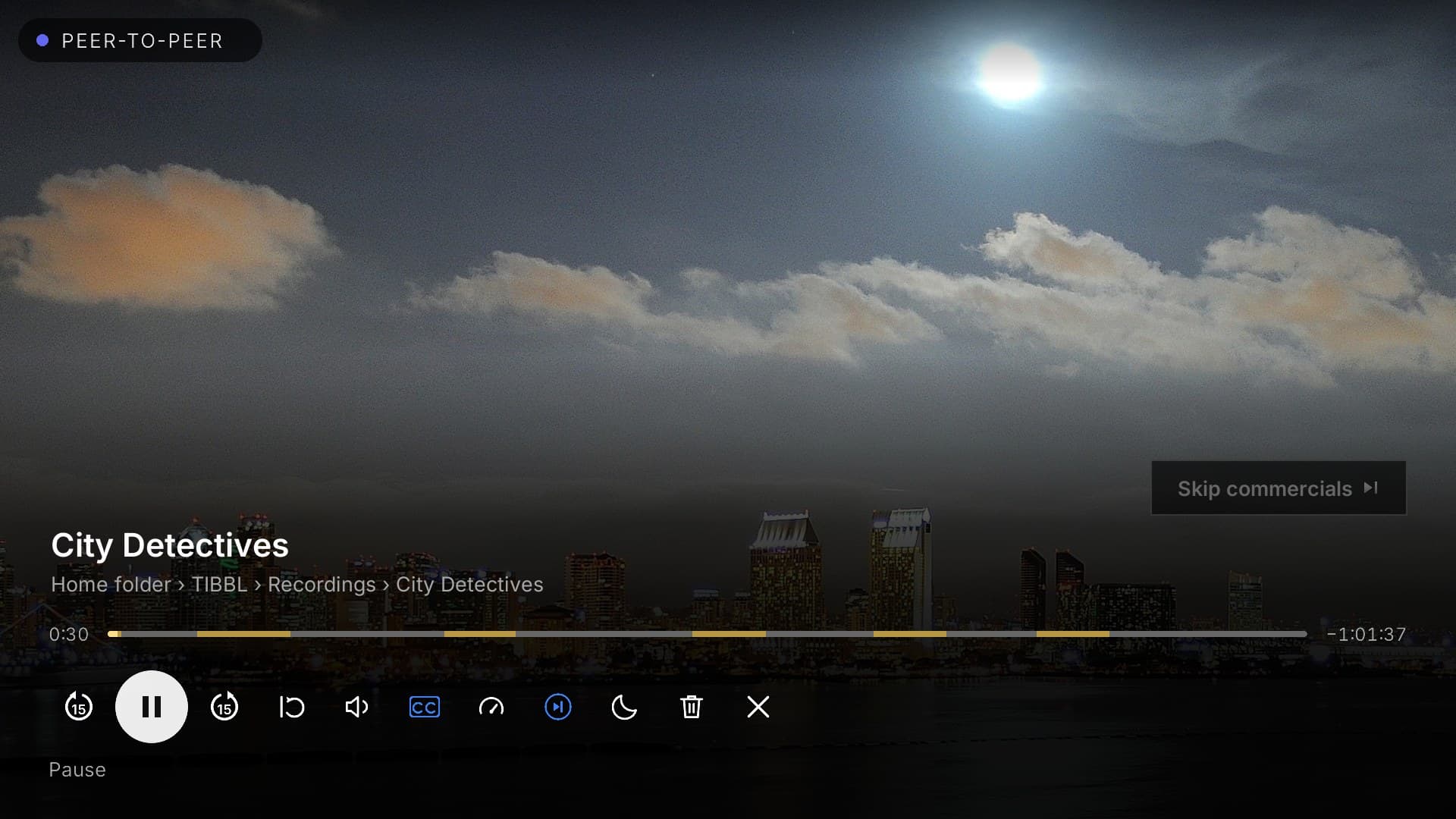
When a recording finishes, the recorder looks through it as soon as nothing else is recording or streaming, so the work never takes a tuner or slows down what you are watching. The breaks it finds are marked on the timeline in every TIBBL app.
When a break comes up, press Skip commercials and you land at the end of it. Or turn on Skip commercials automatically, and the breaks go by on their own, with an Undo for the times it skipped something you wanted to see. Automatic skipping is off until you turn it on.
Ad breaks on live TV
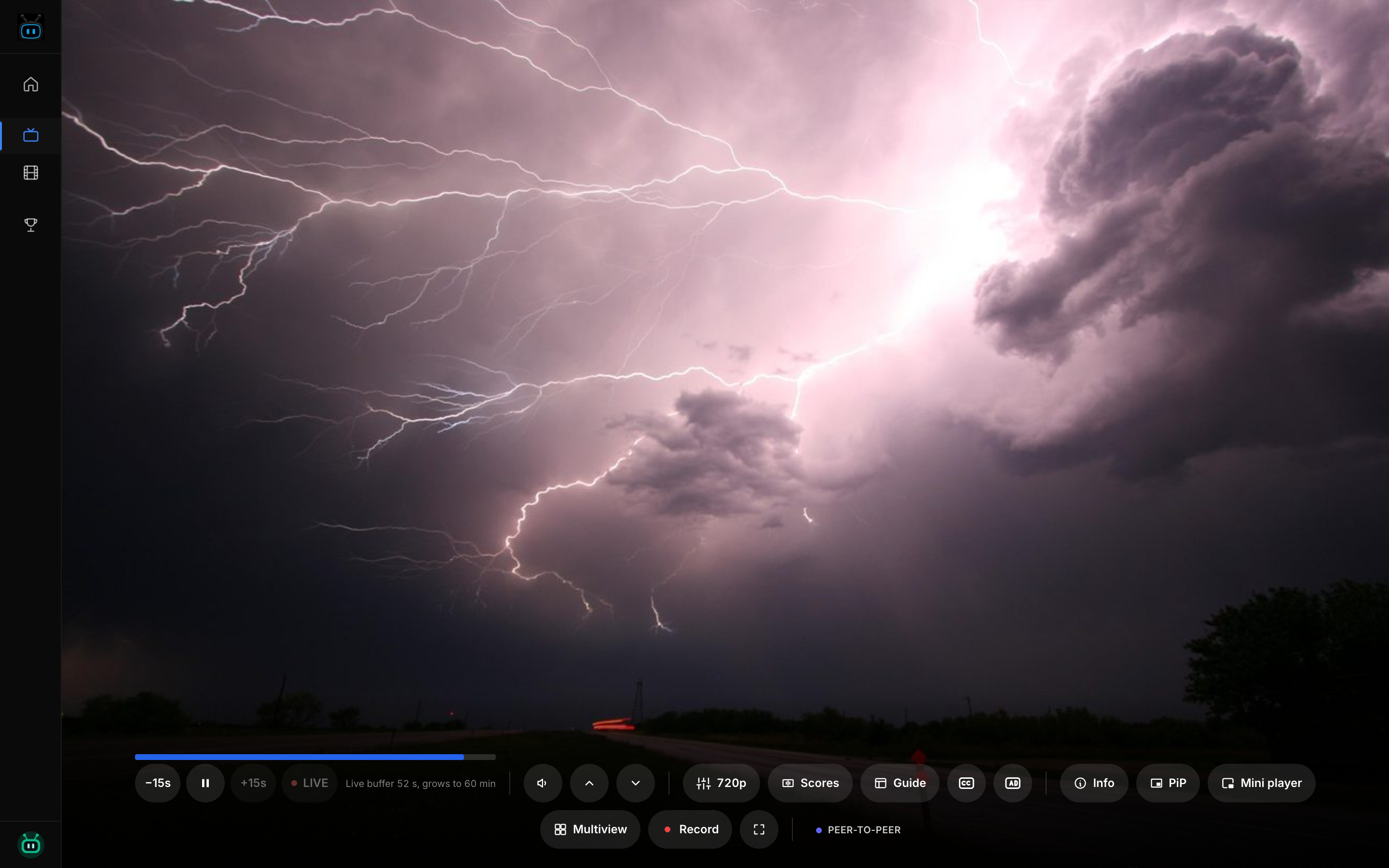
Live TV gets an Ad break tag as a beta. A channel needs about two minutes to learn its logo, and the tag appears 20 to 35 seconds into a break. If you are watching a little behind live, you can skip the break. Or press Watch something else and flip to another channel; TIBBL takes you back when the show returns. A channel without a logo TIBBL can use shows no break information.
Finish on time: a head start on live TV
Live TV can skip its breaks too. Press Finish on time and the recorder builds a head start about as long as the breaks left in the program, while you watch something else. Jump back, and each break is skipped until you reach live at the end. A game later today can be set up ahead from the guide.
Beta. It needs a channel with a logo the recorder can learn, and the head start is limited to what your recorder keeps of the live channel.
Where it works
Commercial detection runs on your recorder for every account. Nothing is sent to a cloud service to be analysed. You can skip breaks today in the TIBBL web app and in the Roku, Fire TV, Android TV and Google TV apps, which have the same skip button and automatic setting. The Apple TV, iPhone and iPad apps have it too and are with Apple for review.
For comparison, Tablo's 4th-generation DVRs do not offer automatic commercial skip, and Channels DVR uses Comskip as part of its subscription.
What you need, and what it costs
An antenna, an HDHomeRun network tuner, and a computer that stays on to run the TIBBL recorder: a Mac with Apple Silicon, a Windows PC or a Linux PC. Recordings go to that computer, in a folder you choose.
One plan with everything: $5 a month or $50 a year, after 14 days free.
Today you watch in the TIBBL web app, in a browser on a computer, phone or tablet, on Roku from the Roku Channel Store, on Fire TV from the Amazon Appstore, or on Android TV and Google TV from Google Play. The iPhone and iPad, Apple TV and Xbox apps are with their stores for review.
Questions people ask
Does HDHomeRun skip commercials?
The HDHomeRun tuner does not; skipping is done by the DVR software that records from it. TIBBL's recorder finds the ad breaks in every recording, and its apps let you skip them.
How accurate is TIBBL's commercial detection?
On nine of our own recordings, 5.7 hours from four stations checked frame by frame, it found about 98% of the ad time, and about 95% of what it marked was really an ad.
Does it skip automatically?
Only if you turn on Skip commercials automatically. Otherwise the breaks are marked and you press Skip commercials when one comes up. An automatic skip can be undone.
Does commercial skip cost extra?
No. It is part of TIBBL's one plan.
Is my video uploaded anywhere to find the ads?
No. The detection runs on the computer that records, and the recordings never leave it.