HDHomeRun on Apple TV: your options, and a DVR app
Apple TV owners have more choice for an HDHomeRun than anyone else, which also makes it harder to choose. There is a free app from SiliconDust, a paid app that only plays live TV, a subscription DVR, and now TIBBL. They differ mostly in two things: whether they record, and whether they work outside your house.
Here is what each one does, so you can pick by what you actually watch.
The Apple TV apps for HDHomeRun
SiliconDust's HDHomeRun app is free in the App Store and plays live TV from your tuner on your home network. Recording with it needs SiliconDust's paid DVR service, and a computer or storage box to record to.
Channels for HDHomeRun is a paid live-TV app with a polished guide. It has no DVR, and its App Store listing says it does not work outside your home. Channels DVR adds recording andwatching away from home for $8 a month or $80 a year, and its multiview of up to four channels runs on Apple TV 4K and iPad.
Each is a reasonable choice for someone. The question is which trade you want to make between price, recording and remote viewing.
The TIBBL Apple TV app
The TIBBL Apple TV app is with Apple for review, on its way to the App Store. It connects to the TIBBL recorder on a computer in your house, so the Apple TV gets the full DVR rather than just live channels.
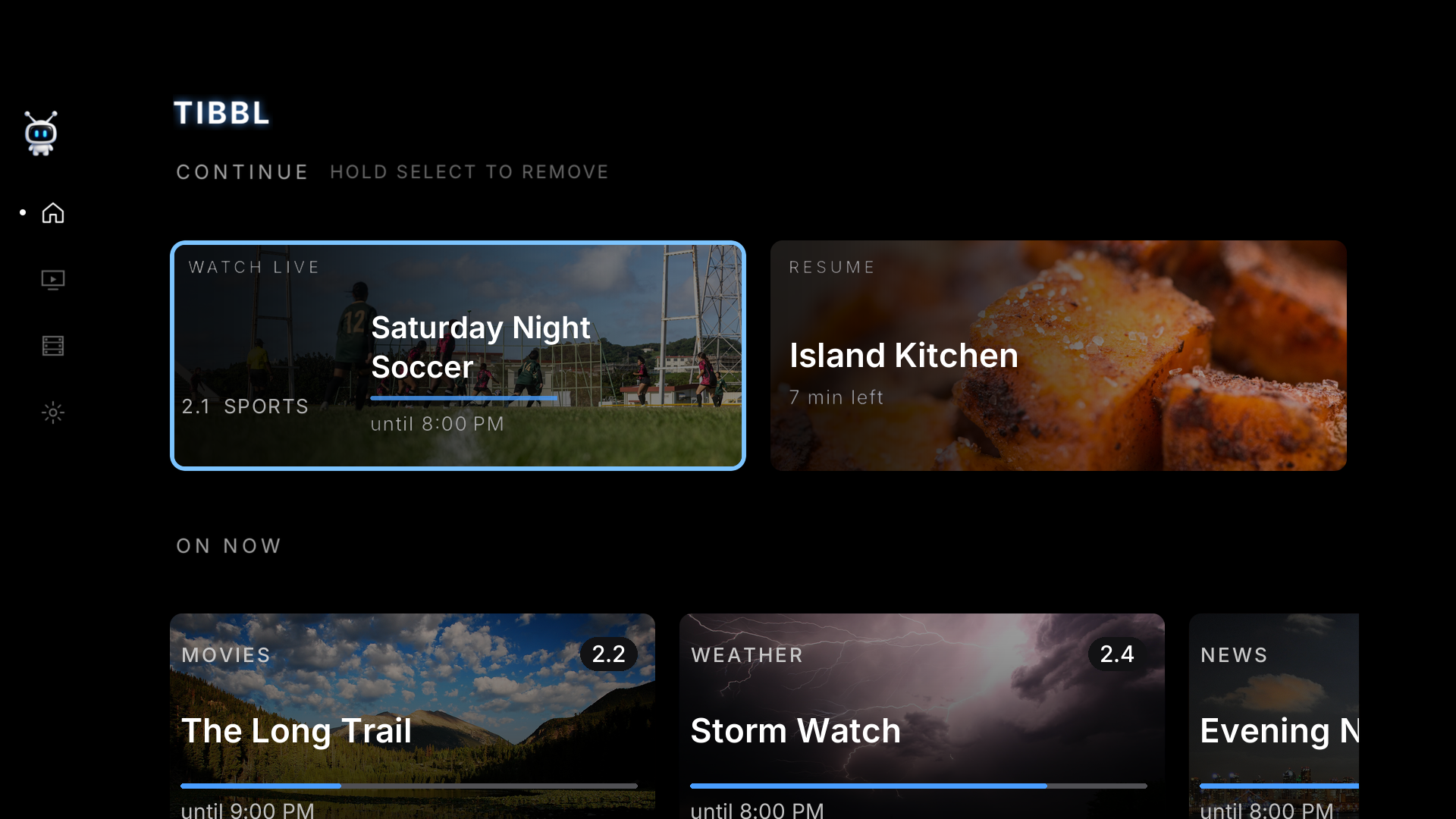
The home screen opens on what is live now and what you were watching. The guide is a timeline of your channels with a live preview. Live TV can be paused, rewound and started over. From any program you can record it or the whole series, and the recordings land in a library sorted into shows.
When a recording plays, its ad breaks are already marked on the timeline. Press Skip commercials when one comes up, or turn on Skip commercials automatically. Live TV gets an Ad break tag as a beta, so you know when the program has stopped.
Multiview on Apple TV
Multiview shows several live channels at once, with one larger featured tile and the others beside it, in a grid, as picture in picture or as a strip along the bottom. The tile with the sound icon is the one you hear, and you can move the sound between channels. Each antenna channel on screen uses one tuner in your HDHomeRun, so a two-tuner model shows two antenna channels and a four-tuner model shows up to four.

Watching your Apple TV away from home
An Apple TV outside your house plays your antenna channels and recordings, with no port to open on your router and no VPN to run. That is the main thing the free and live-only apps do not do. Picture quality away from home depends on your home internet's upload speed.
Until the Apple TV app is in the App Store, the TIBBL web app plays live TV, recordings and multiview in a browser, including Safari on a Mac, iPhone or iPad. The Apple TV app signs in to the same account and sees the same recordings when it arrives.
What you need, and what it costs
An antenna, an HDHomeRun network tuner, and a computer that stays on to run the TIBBL recorder: a Mac with Apple Silicon, a Windows PC or a Linux PC. Recordings go to that computer, in a folder you choose.
One plan with everything: $5 a month or $50 a year, after 14 days free.
Today you watch in the TIBBL web app, in a browser on a computer, phone or tablet, on Roku from the Roku Channel Store, on Fire TV from the Amazon Appstore, or on Android TV and Google TV from Google Play. The iPhone and iPad, Apple TV and Xbox apps are with their stores for review.
Questions people ask
Is there an HDHomeRun app for Apple TV?
Yes. SiliconDust's HDHomeRun app is free in the App Store and plays live TV on your home network. Recording needs SiliconDust's DVR service.
Does Channels for HDHomeRun record?
No. Channels for HDHomeRun plays live TV only, and only at home. Recording and remote viewing need Channels DVR, a separate subscription.
Can I watch my HDHomeRun on Apple TV away from home?
With TIBBL, yes, once the Apple TV app is out. It reaches your recorder without any router setup.
Does the TIBBL Apple TV app have multiview?
Yes. It shows several live channels at once in a featured, grid, picture-in-picture or strip layout. Each antenna channel uses one HDHomeRun tuner.
When is the TIBBL Apple TV app coming?
It is with Apple for review now, on its way to the App Store. The TIBBL web app works in Safari today.